> ## Documentation Index
> Fetch the complete documentation index at: https://docs.together.ai/llms.txt
> Use this file to discover all available pages before exploring further.
# Text-to-image generation
> Generate images from text prompts.
Using a coding agent? Install the [together-images](https://github.com/togethercomputer/skills/tree/main/skills/together-images) skill to let your agent write correct image generation code automatically. See [agent skills](/docs/agent-skills) for details.
## Generate an image
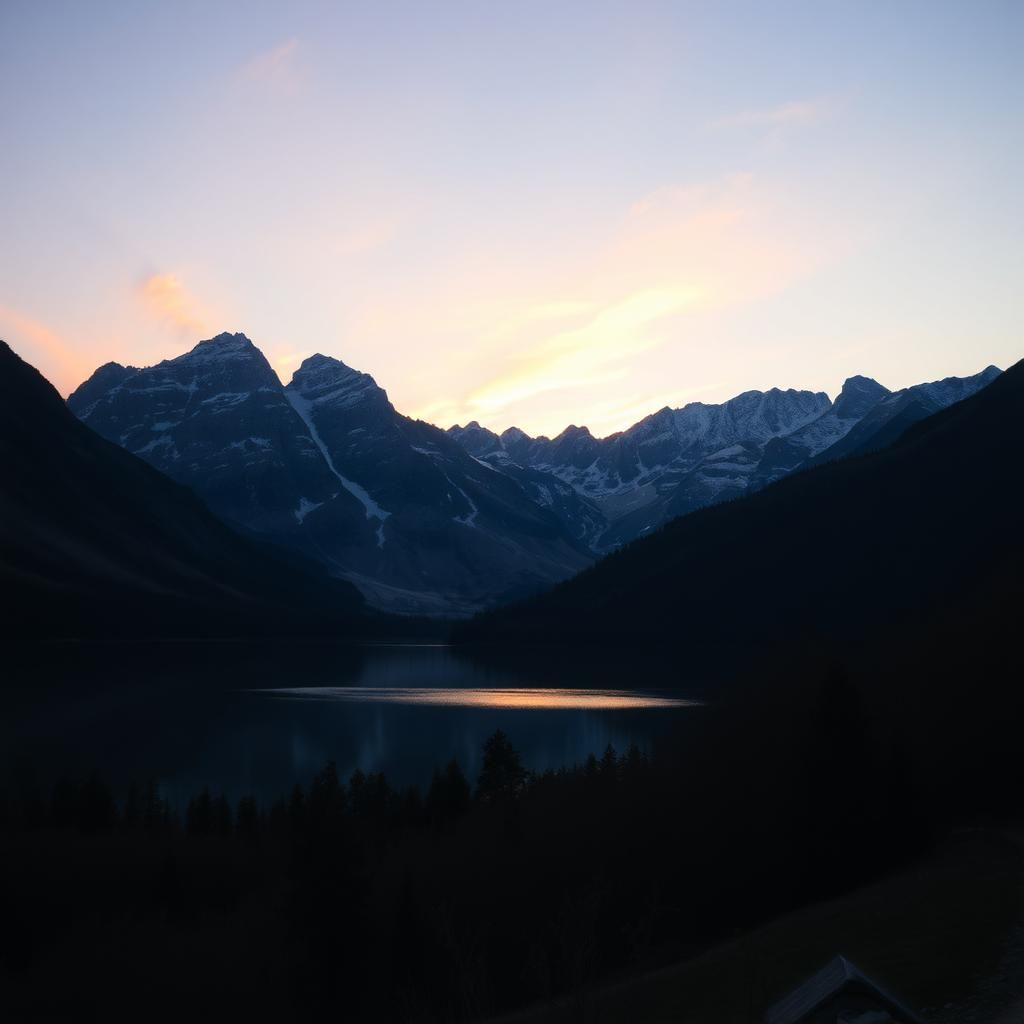
To query an image model, use the `.images` method and specify the image model:
TypeScript examples that call `together.images.generate` require `together-ai@0.31.0` or later. If your project already has an older SDK installed, upgrade with `npm install together-ai@latest`.
```python Python theme={null}
from together import Together
client = Together()
# Generate an image from a text prompt
response = client.images.generate(
prompt="A serene mountain landscape at sunset with a lake reflection",
model="black-forest-labs/FLUX.2-dev",
steps=20,
)
print(f"Image URL: {response.data[0].url}")
```
```typescript TypeScript theme={null}
import Together from "together-ai";
const together = new Together();
async function main() {
const response = await together.images.generate({
prompt: "A serene mountain landscape at sunset with a lake reflection",
model: "black-forest-labs/FLUX.2-dev",
steps: 20,
});
console.log(response.data[0].url);
}
main();
```
```bash cURL theme={null}
curl -X POST "https://api.together.ai/v1/images/generations" \
-H "Authorization: Bearer $TOGETHER_API_KEY" \
-H "Content-Type: application/json" \
-d '{
"model": "black-forest-labs/FLUX.2-dev",
"prompt": "A serene mountain landscape at sunset with a lake reflection",
"steps": 20
}'
```
Example response structure and output:
```json theme={null}
{
"id": "oFuwv7Y-2kFHot-99170ebf9e84e0ce-SJC",
"model": "black-forest-labs/FLUX.2-dev",
"data": [
{
"index": 0,
"url": "https://api.together.ai/v1/images/..."
}
]
}
```
 ## Save to disk
The recommended pattern for saving a generated image locally is `response_format="base64"`. This avoids a separate download step and works without any special HTTP headers.
```python Python theme={null}
import base64
from together import Together
client = Together()
response = client.images.generate(
prompt="A serene mountain landscape at sunset with a lake reflection",
model="black-forest-labs/FLUX.2-dev",
steps=20,
response_format="base64",
)
image_data = base64.b64decode(response.data[0].b64_json)
with open("output.png", "wb") as f:
f.write(image_data)
print(f"Saved {len(image_data)} bytes to output.png")
```
```typescript TypeScript theme={null}
import { writeFileSync } from "fs";
import Together from "together-ai";
const together = new Together();
const response = await together.images.generate({
prompt: "A serene mountain landscape at sunset with a lake reflection",
model: "black-forest-labs/FLUX.2-dev",
steps: 20,
response_format: "base64",
});
const imageData = Buffer.from(response.data[0].b64_json!, "base64");
writeFileSync("output.png", imageData);
console.log(`Saved ${imageData.length} bytes to output.png`);
```
If you use the returned `url` instead, download it with a non-empty `User-Agent` header. The CDN rejects requests with a blank User-Agent (HTTP 403):
```python Python theme={null}
import urllib.request
req = urllib.request.Request(
response.data[0].url,
headers={"User-Agent": "my-app/1.0"},
)
with urllib.request.urlopen(req) as r:
with open("output.png", "wb") as f:
f.write(r.read())
```
## Supported models
For the current list of image-generation models, see the [serverless catalog](/docs/serverless/models) or the [dedicated endpoint model catalog](/docs/dedicated-endpoints/models).
The table below shows the most commonly used serverless image models.
| Model | API string | Serverless | Notes |
| ------------------ | -------------------------------------- | :--------: | ---------------------------------------------- |
| FLUX.1 Schnell | `black-forest-labs/FLUX.1-schnell` | ✓ | Fastest; default 4 steps. Good starting point. |
| FLUX.1.1 Pro | `black-forest-labs/FLUX.1.1-pro` | ✓ | Higher quality than Schnell. |
| FLUX.2 Pro | `black-forest-labs/FLUX.2-pro` | ✓ | High fidelity; supports reference images. |
| FLUX.2 Dev | `black-forest-labs/FLUX.2-dev` | ✓ | Supports `guidance`, `steps`, and LoRAs. |
| FLUX.2 Flex | `black-forest-labs/FLUX.2-flex` | ✓ | Adjustable steps/guidance; best typography. |
| FLUX.1 Kontext Pro | `black-forest-labs/FLUX.1-kontext-pro` | ✓ | Image editing via `image_url`. |
| FLUX.2 Max | `black-forest-labs/FLUX.2-max` | ✓ | Highest fidelity FLUX.2 variant. |
| FLUX.1 Kontext Max | `black-forest-labs/FLUX.1-kontext-max` | ✓ | Highest-quality image editing. |
## Parameters
The image generation endpoint accepts a common set of parameters across models, including `prompt`, `model`, `width`, `height`, `n`, `steps`, `seed`, and `negative_prompt`. For the full parameter reference (including `image_url`, `reference_images`, `frame_images`, and model-specific notes), see [Image generation parameters](/docs/inference/images/parameters).
A few quick notes:
* `prompt` is required for all models except Kling.
* `width` and `height` rely on defaults unless otherwise specified. Available dimensions differ by model.
* FLUX Schnell and Kontext (Pro/Max/Dev) models use the `aspect_ratio` parameter to set the output image size, whereas FLUX.1 Pro, FLUX 1.1 Pro, and FLUX.1 Dev use `width` and `height`.
## Generate multiple variations
Generate multiple variations of the same prompt and choose between them:
```python Python theme={null}
response = client.images.generate(
prompt="A cute robot assistant helping in a modern office",
model="black-forest-labs/FLUX.2-dev",
n=4,
steps=20,
)
print(f"Generated {len(response.data)} variations")
for i, image in enumerate(response.data):
print(f"Variation {i+1}: {image.url}")
```
```typescript TypeScript theme={null}
const response = await together.images.generate({
prompt: "A cute robot assistant helping in a modern office",
model: "black-forest-labs/FLUX.2-dev",
n: 4,
steps: 20,
});
console.log(`Generated ${response.data.length} variations`);
response.data.forEach((image, i) => {
console.log(`Variation ${i + 1}: ${image.url}`);
});
```
```bash cURL theme={null}
curl -X POST "https://api.together.ai/v1/images/generations" \
-H "Authorization: Bearer $TOGETHER_API_KEY" \
-H "Content-Type: application/json" \
-d '{
"model": "black-forest-labs/FLUX.2-dev",
"prompt": "A cute robot assistant helping in a modern office",
"n": 4,
"steps": 20
}'
```
Example output:
## Save to disk
The recommended pattern for saving a generated image locally is `response_format="base64"`. This avoids a separate download step and works without any special HTTP headers.
```python Python theme={null}
import base64
from together import Together
client = Together()
response = client.images.generate(
prompt="A serene mountain landscape at sunset with a lake reflection",
model="black-forest-labs/FLUX.2-dev",
steps=20,
response_format="base64",
)
image_data = base64.b64decode(response.data[0].b64_json)
with open("output.png", "wb") as f:
f.write(image_data)
print(f"Saved {len(image_data)} bytes to output.png")
```
```typescript TypeScript theme={null}
import { writeFileSync } from "fs";
import Together from "together-ai";
const together = new Together();
const response = await together.images.generate({
prompt: "A serene mountain landscape at sunset with a lake reflection",
model: "black-forest-labs/FLUX.2-dev",
steps: 20,
response_format: "base64",
});
const imageData = Buffer.from(response.data[0].b64_json!, "base64");
writeFileSync("output.png", imageData);
console.log(`Saved ${imageData.length} bytes to output.png`);
```
If you use the returned `url` instead, download it with a non-empty `User-Agent` header. The CDN rejects requests with a blank User-Agent (HTTP 403):
```python Python theme={null}
import urllib.request
req = urllib.request.Request(
response.data[0].url,
headers={"User-Agent": "my-app/1.0"},
)
with urllib.request.urlopen(req) as r:
with open("output.png", "wb") as f:
f.write(r.read())
```
## Supported models
For the current list of image-generation models, see the [serverless catalog](/docs/serverless/models) or the [dedicated endpoint model catalog](/docs/dedicated-endpoints/models).
The table below shows the most commonly used serverless image models.
| Model | API string | Serverless | Notes |
| ------------------ | -------------------------------------- | :--------: | ---------------------------------------------- |
| FLUX.1 Schnell | `black-forest-labs/FLUX.1-schnell` | ✓ | Fastest; default 4 steps. Good starting point. |
| FLUX.1.1 Pro | `black-forest-labs/FLUX.1.1-pro` | ✓ | Higher quality than Schnell. |
| FLUX.2 Pro | `black-forest-labs/FLUX.2-pro` | ✓ | High fidelity; supports reference images. |
| FLUX.2 Dev | `black-forest-labs/FLUX.2-dev` | ✓ | Supports `guidance`, `steps`, and LoRAs. |
| FLUX.2 Flex | `black-forest-labs/FLUX.2-flex` | ✓ | Adjustable steps/guidance; best typography. |
| FLUX.1 Kontext Pro | `black-forest-labs/FLUX.1-kontext-pro` | ✓ | Image editing via `image_url`. |
| FLUX.2 Max | `black-forest-labs/FLUX.2-max` | ✓ | Highest fidelity FLUX.2 variant. |
| FLUX.1 Kontext Max | `black-forest-labs/FLUX.1-kontext-max` | ✓ | Highest-quality image editing. |
## Parameters
The image generation endpoint accepts a common set of parameters across models, including `prompt`, `model`, `width`, `height`, `n`, `steps`, `seed`, and `negative_prompt`. For the full parameter reference (including `image_url`, `reference_images`, `frame_images`, and model-specific notes), see [Image generation parameters](/docs/inference/images/parameters).
A few quick notes:
* `prompt` is required for all models except Kling.
* `width` and `height` rely on defaults unless otherwise specified. Available dimensions differ by model.
* FLUX Schnell and Kontext (Pro/Max/Dev) models use the `aspect_ratio` parameter to set the output image size, whereas FLUX.1 Pro, FLUX 1.1 Pro, and FLUX.1 Dev use `width` and `height`.
## Generate multiple variations
Generate multiple variations of the same prompt and choose between them:
```python Python theme={null}
response = client.images.generate(
prompt="A cute robot assistant helping in a modern office",
model="black-forest-labs/FLUX.2-dev",
n=4,
steps=20,
)
print(f"Generated {len(response.data)} variations")
for i, image in enumerate(response.data):
print(f"Variation {i+1}: {image.url}")
```
```typescript TypeScript theme={null}
const response = await together.images.generate({
prompt: "A cute robot assistant helping in a modern office",
model: "black-forest-labs/FLUX.2-dev",
n: 4,
steps: 20,
});
console.log(`Generated ${response.data.length} variations`);
response.data.forEach((image, i) => {
console.log(`Variation ${i + 1}: ${image.url}`);
});
```
```bash cURL theme={null}
curl -X POST "https://api.together.ai/v1/images/generations" \
-H "Authorization: Bearer $TOGETHER_API_KEY" \
-H "Content-Type: application/json" \
-d '{
"model": "black-forest-labs/FLUX.2-dev",
"prompt": "A cute robot assistant helping in a modern office",
"n": 4,
"steps": 20
}'
```
Example output: 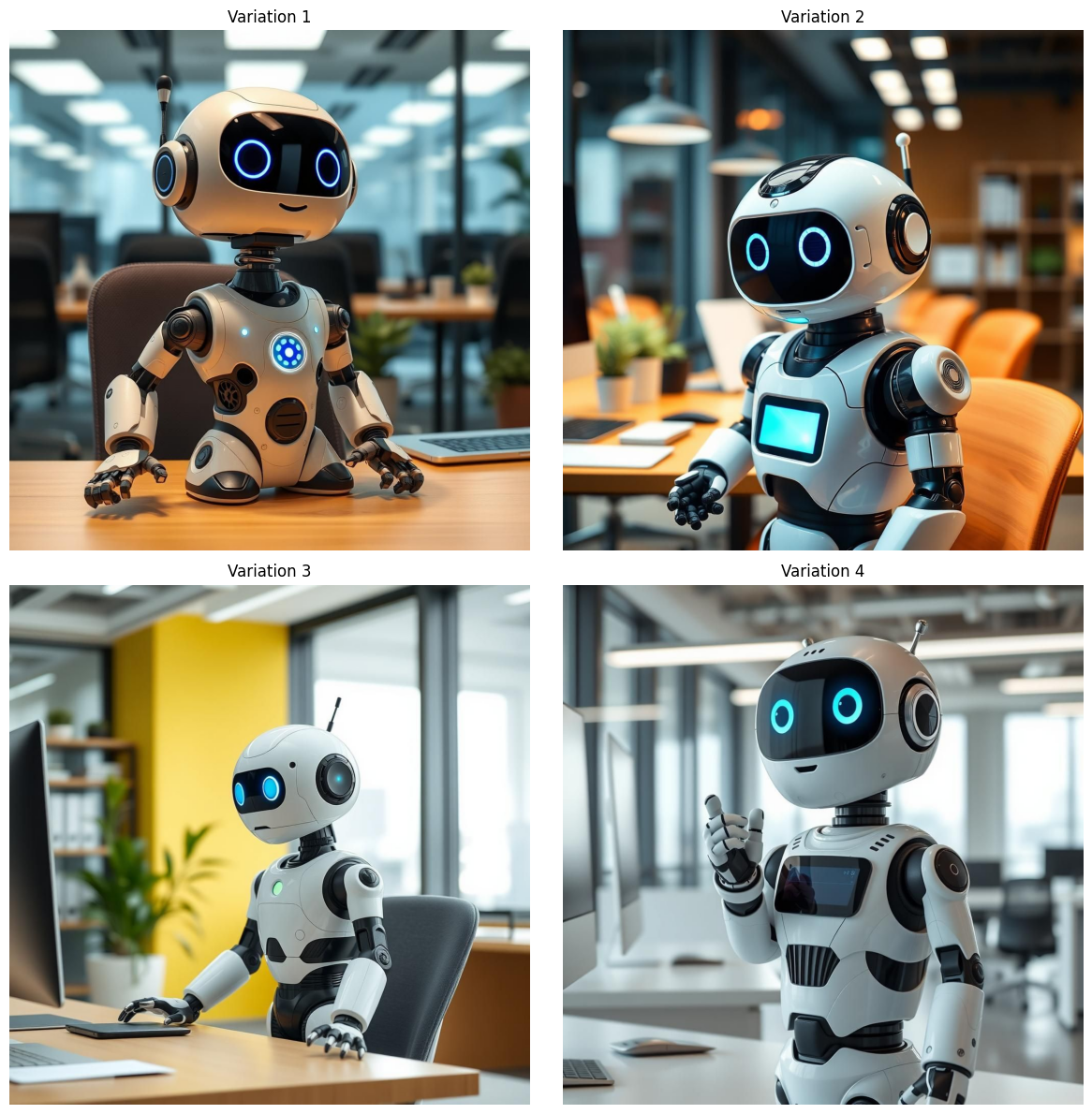 ## Next steps
* [Image-to-image generation](/docs/inference/images/reference-images): edit or transform an existing image with `image_url` or `reference_images`.
* [Image generation parameters](/docs/inference/images/parameters): full parameter reference, custom dimensions, quality control, base64 responses, safety checker, and troubleshooting.
## Next steps
* [Image-to-image generation](/docs/inference/images/reference-images): edit or transform an existing image with `image_url` or `reference_images`.
* [Image generation parameters](/docs/inference/images/parameters): full parameter reference, custom dimensions, quality control, base64 responses, safety checker, and troubleshooting.