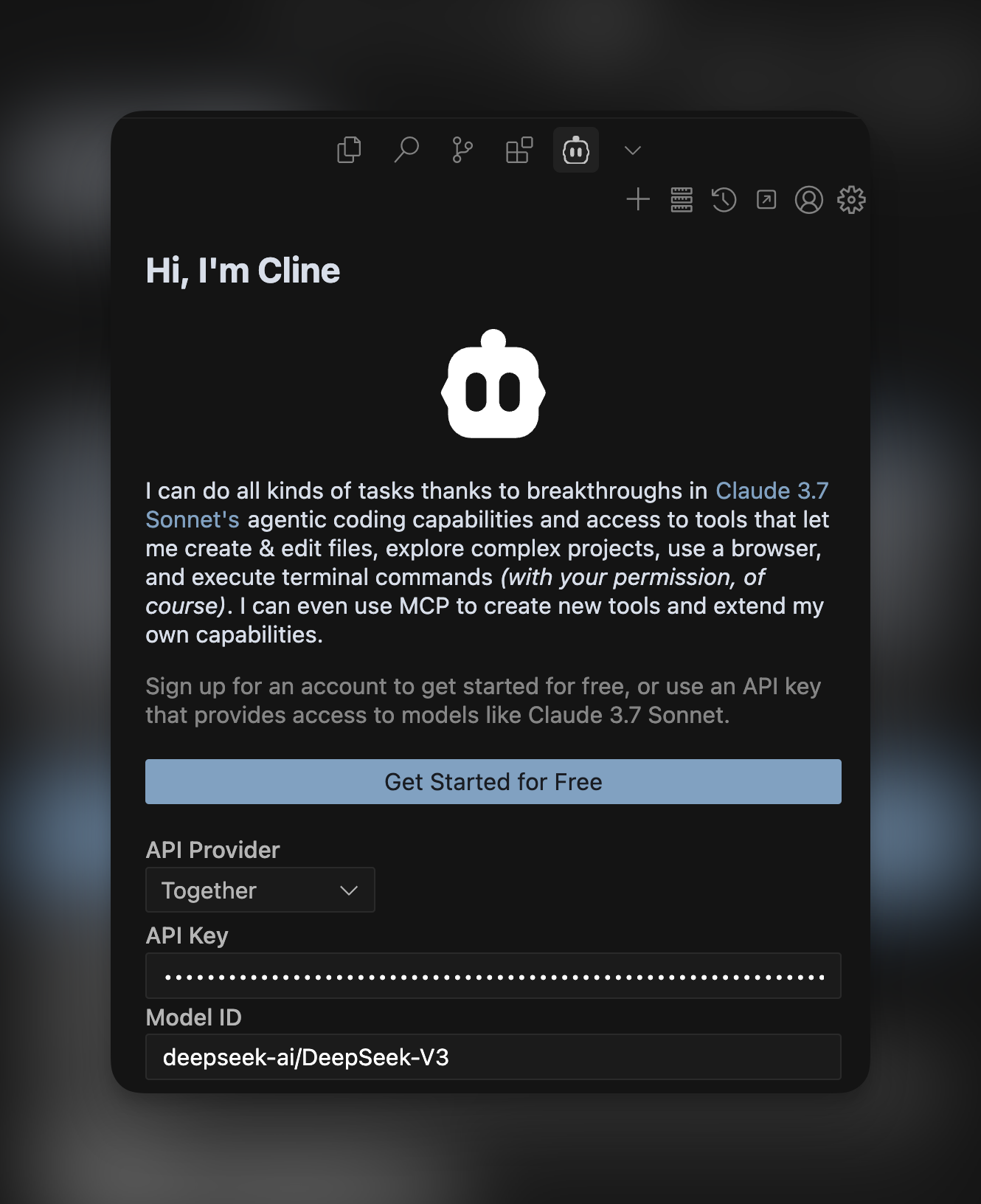
Cline is a popular open source AI coding agent with nearly 2 million installs that is installable through any IDE including VS Code, Cursor, and Windsurf. In this quick guide, we want to take you through how you can combine Cline with powerful open source models on Together AI like DeepSeek V3 to supercharge your development process. With Cline’s agent, you can ask it to build features, fix bugs, or start new projects for you – and it’s fully transparent in terms of the cost and tokens used as you use it. Here’s how you can start using it with DeepSeek V3 on Together AI:Documentation Index
Fetch the complete documentation index at: https://docs.together.ai/llms.txt
Use this file to discover all available pages before exploring further.
1. Install Cline
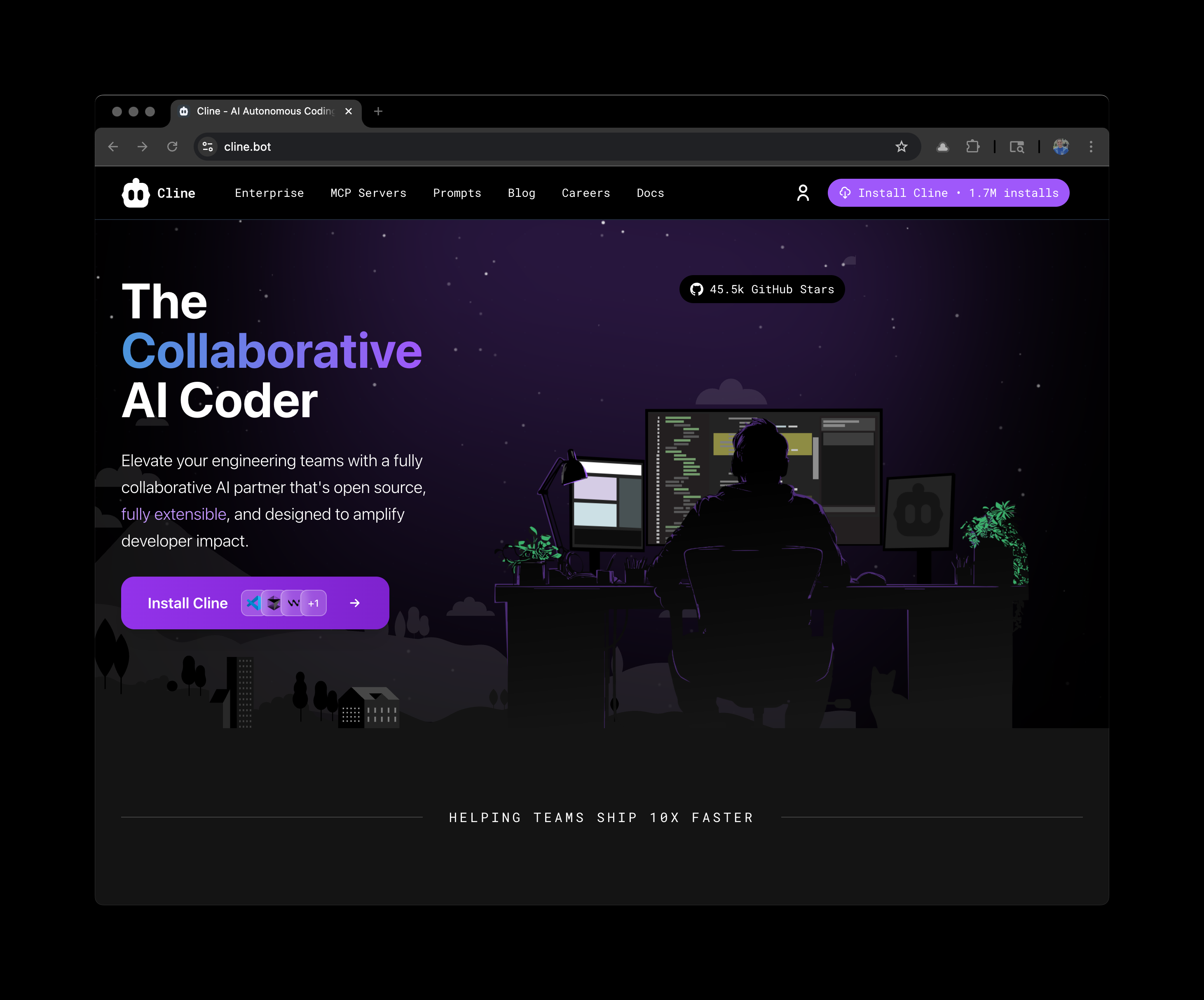
Navigate to https://cline.bot/ to install Cline in your preferred IDE.
2. Select Cline
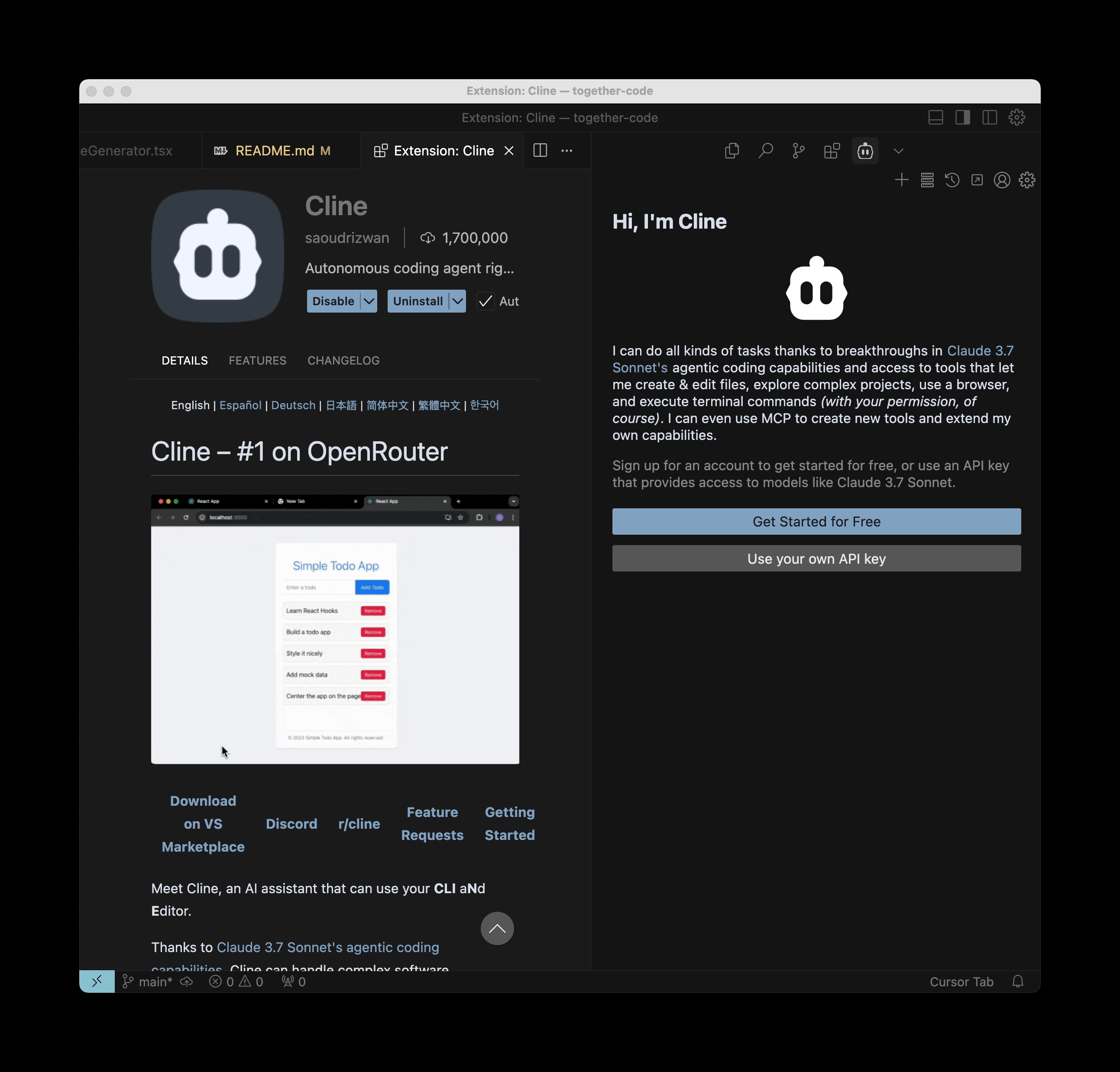
After it’s installed, select Cline from the menu of your IDE to configure it.
3. Configure Together AI & DeepSeek V3
Click “Use your own API key”. After this, select Together as the API Provider, paste in your Together API key, and type in any of our models to use. We recommend usingdeepseek-ai/DeepSeek-V3 as its a powerful coding model.