

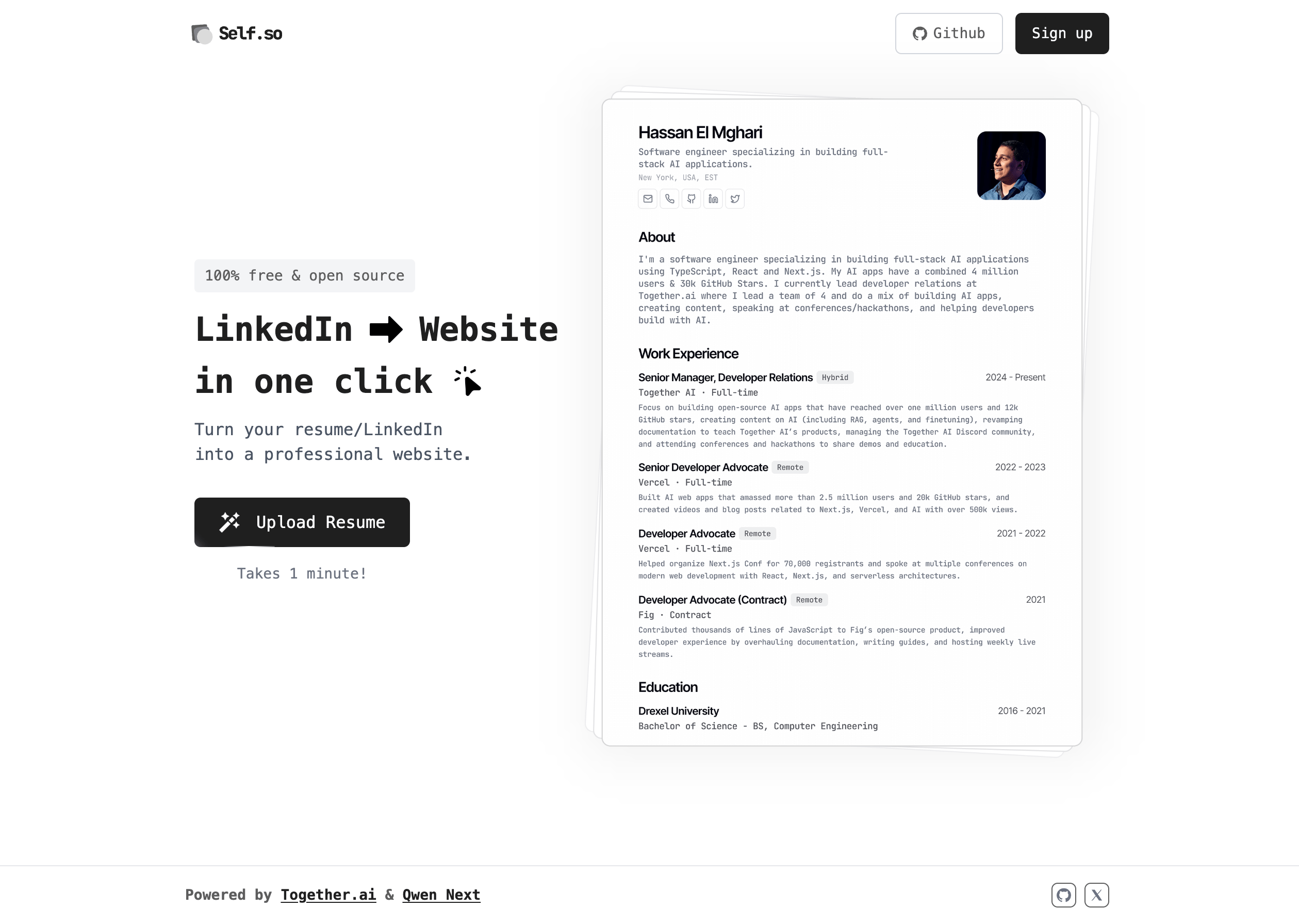
The TypeScript examples use Vercel’s AI SDK v6 and Zod v4. They are adapted from the Self.so source and updated to current SDK and model versions, so they can differ in small ways from the linked files.
Model selection
Self.so uses two models, each chosen to perform a specific job:- Qwen3.5 9B: Content safety classification.
- Kimi K3: Structured data extraction.
The Self.so source uses Llama Guard 4 for the safety check, but that model is no longer available on serverless, so the examples here use Qwen3.5 9B instead. See recommended models for more options.
Data flow
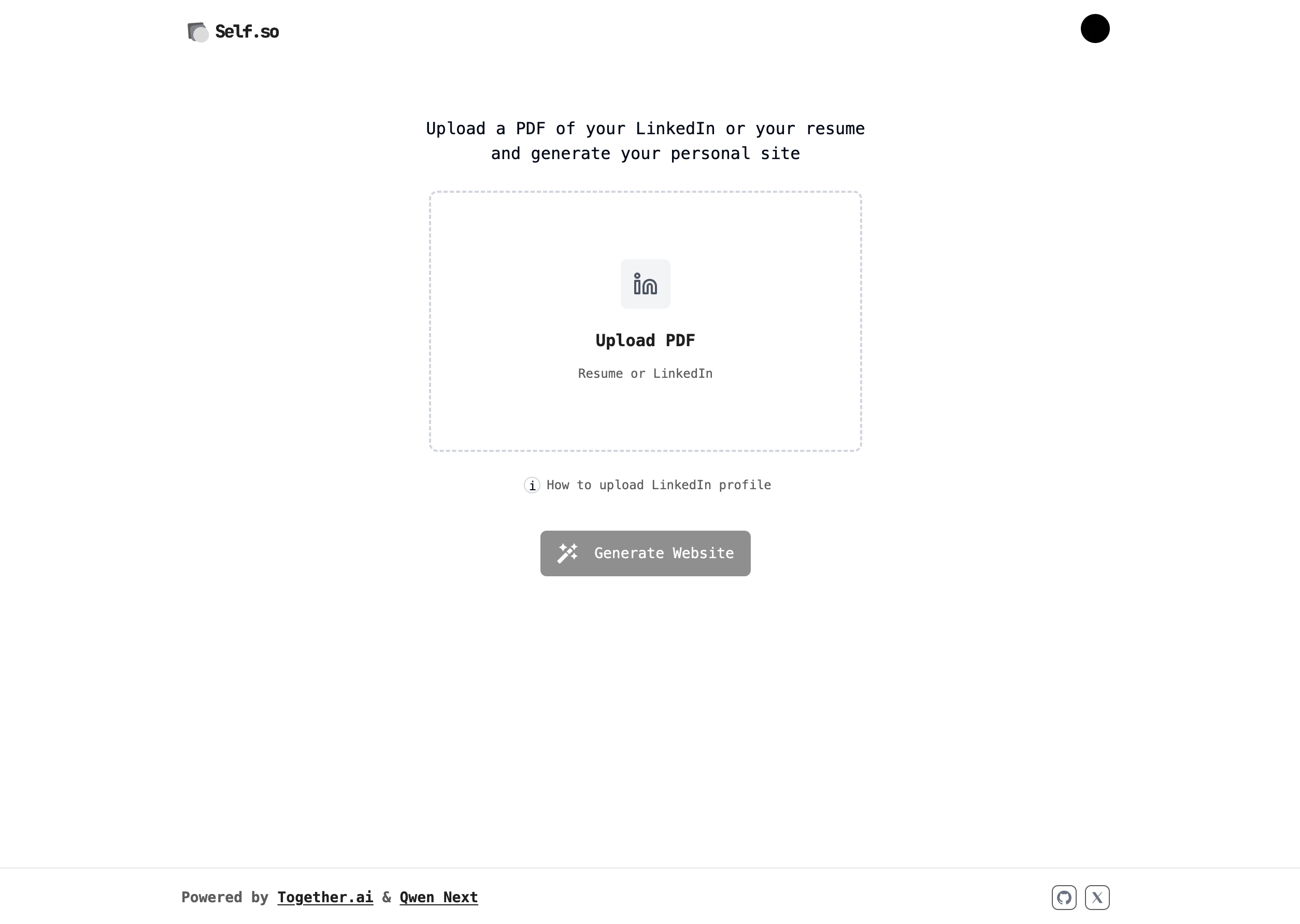
To keep each model call focused and avoid passing raw files around, the app separates concerns into four steps:- Upload and storage: PDFs are uploaded to S3 with temporary URLs.
- Text extraction: PDF content is extracted to plain text, and the raw file is never sent to a model.
- Safety validation: The extracted text is checked for safety before further processing.
- Structured generation: Clean text goes to the extraction model with specific instructions to generate the structured data.
Extract text from the PDF
ThescrapePdfContent function in lib/server/scrapePdfContent.ts extracts text with pdfjs-dist, with guards against fetching arbitrary URLs, oversized files, and JavaScript embedded in the PDF. It returns the text as a string:
Check content safety
Before generating anything from user-supplied content, the app classifies it inlib/server/ai/isFileContentBad.ts. The prompt asks the model for a one-word safe or unsafe verdict, which the app uses to determine whether to proceed:
Generate structured data
The core of Self.so is turning unstructured resume text into structured JSON. ThegenerateResumeObject function in lib/server/ai/generateResumeObject.ts uses Kimi K3 with structured outputs so the response always matches the schema the site renderer expects:
- Kimi K3 is a hybrid reasoning model with reasoning on by default. Passing
reasoning: { enabled: false }throughproviderOptionskeeps extraction fast, because the schema does the work that reasoning tokens would otherwise pay for. Output.objectaccepts the Zod schema directly and validates the result against it.
Define the schema with Zod
The Zod schema inlib/resume.ts is the contract between the AI extraction and the site renderer:
Observability
Self.so wraps each extraction call in a Braintrust span that records the model, token usage, finish reason, and duration. The tracing helpers live inlib/server/ai/braintrust.ts. This makes it possible to monitor extraction quality and compare models over time.
The complete pipeline
The full server-side pipeline runs when a user uploads a resume:- Upload: The PDF is uploaded to S3.
- Extraction:
pdfjs-distconverts the PDF to plain text. - Safety check: Qwen3.5 9B validates the content.
- Generation: Kimi K3 extracts the text into the
ResumeDataSchemashape. - Storage: The structured data is stored in Upstash Redis.
- Rendering: The site renders from the structured data.
Best practices for extraction pipelines
Building Self.so surfaced a few principles that apply to most extraction pipelines:- Match the model to the task: A safety classifier and an instruction-following extractor are different jobs, and picking the right model for each beats using one model for both.
- Schemas make outputs reliable: Validating against a Zod schema turns free-form model output into data the rest of the app can trust.
- Keep the data flow clean: Passing extracted text between steps, instead of raw files, keeps each model call small and auditable.
- Instrument from the start: Recording token usage and durations per call makes model comparisons and regressions visible.