

FLUX.2
Black Forest Labs has released FLUX.2 with support on Together AI. FLUX.2 is the next generation of image models, featuring enhanced control through JSON structured prompts, HEX color code support, reference image editing, and exceptional text rendering capabilities. Four model variants are available:Generating an image
Here’s how to generate images with FLUX.2:

guidance_scale and steps parameters. It also excels at typography and text rendering.

Parameters
Common parameters (all models)
Additional parameters for [dev] and [flex]
FLUX.2 [dev] and FLUX.2 [flex] support additional parameters:
Image-to-image with reference images
FLUX.2 supports powerful image-to-image editing using thereference_images parameter. Pass one or more image URLs to guide generation.
Core capabilities:
Single reference image
Edit or transform a single input image:
 →
→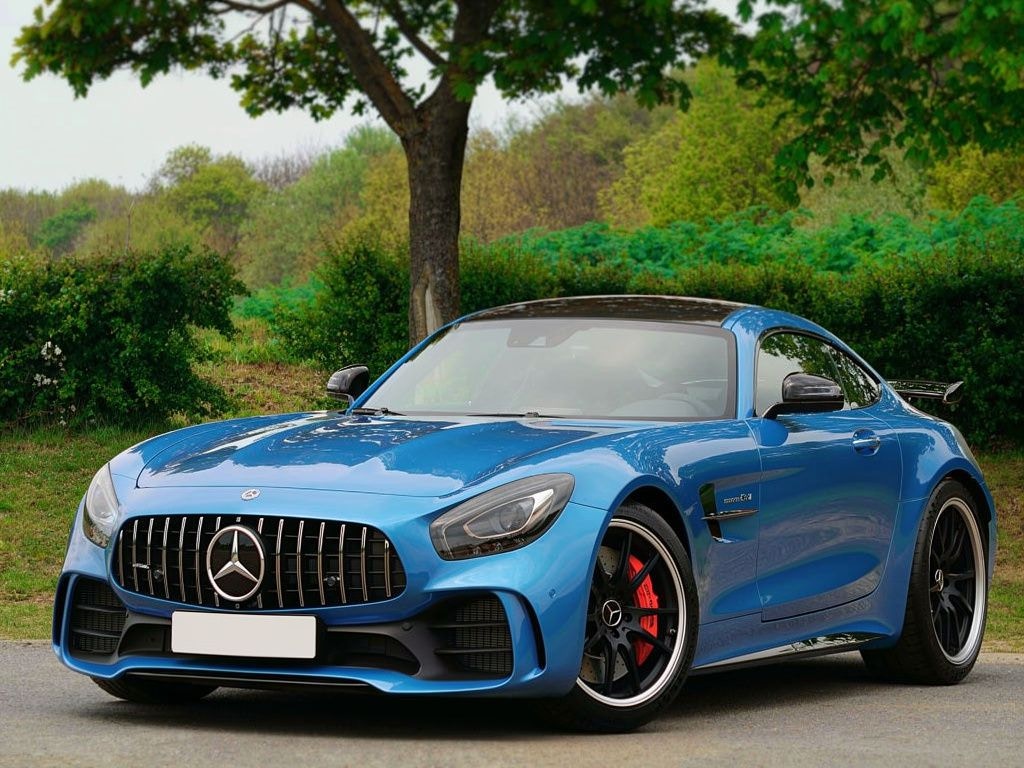


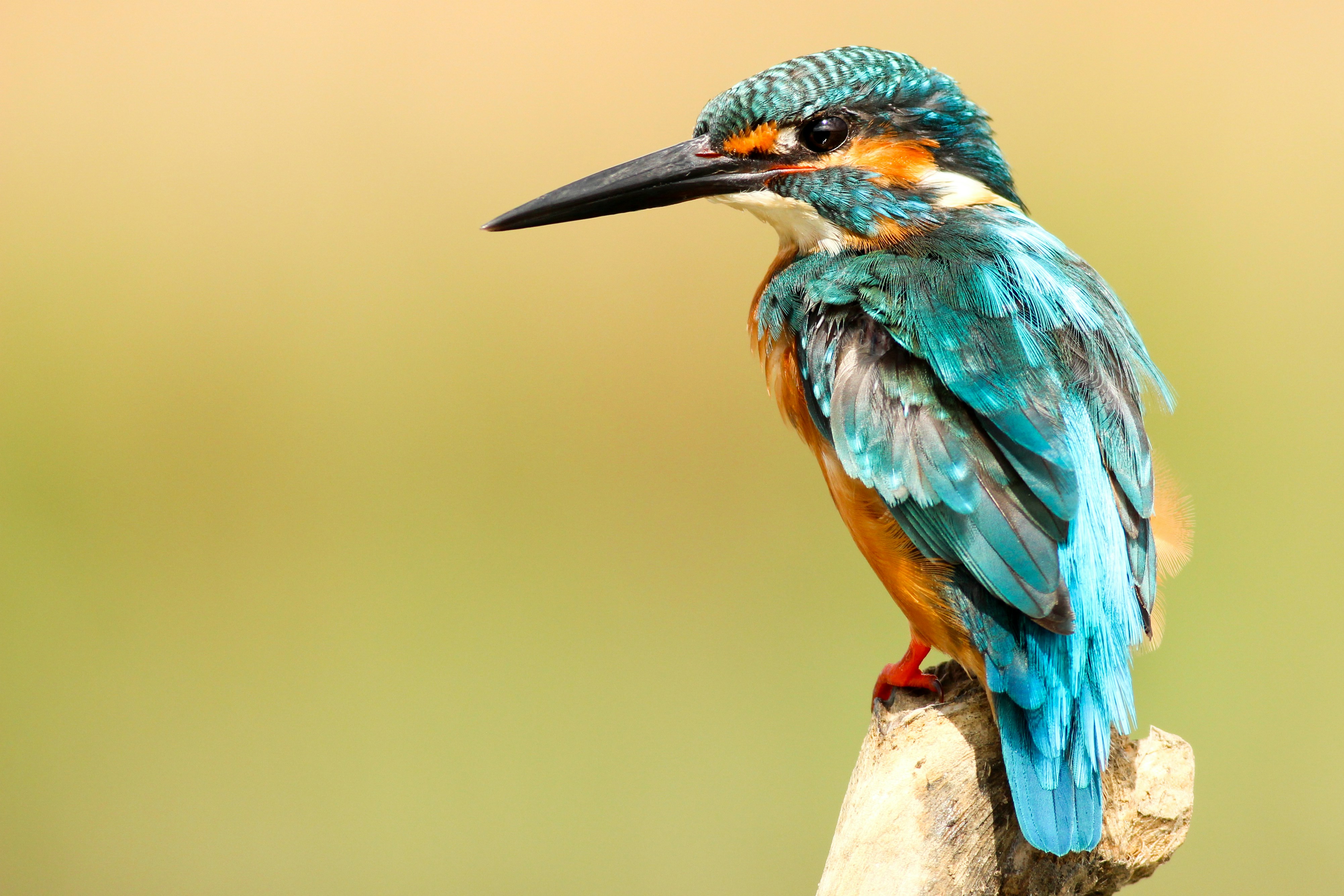




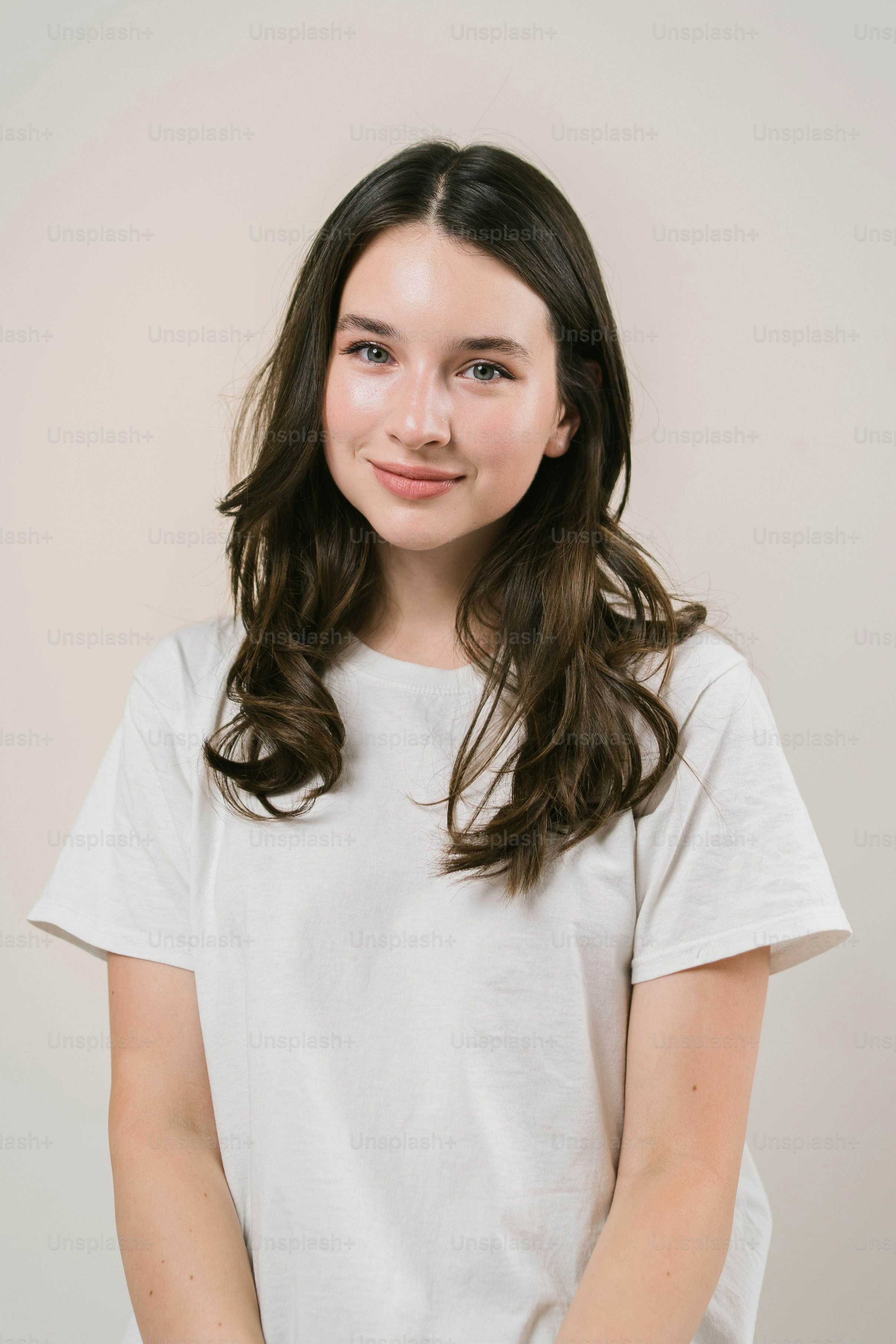






- Use image indexing: Reference images by number (“image 1”, “image 2”) for precise control.
- Be descriptive: Clearly describe what you want to change or combine.
- Use high-quality inputs: Better input images lead to better results.
- Combine with HEX colors: Use specific color codes or color swatch images for precise color changes.
FLUX.1 Kontext editing
FLUX.1 Kontext is the previous generation’s editing family. It transforms a single reference image based on a text prompt, passed through theimage_url parameter rather than reference_images. FLUX.2 handles reference editing natively, so prefer it for new work. Kontext remains available on serverless if you already build on it.
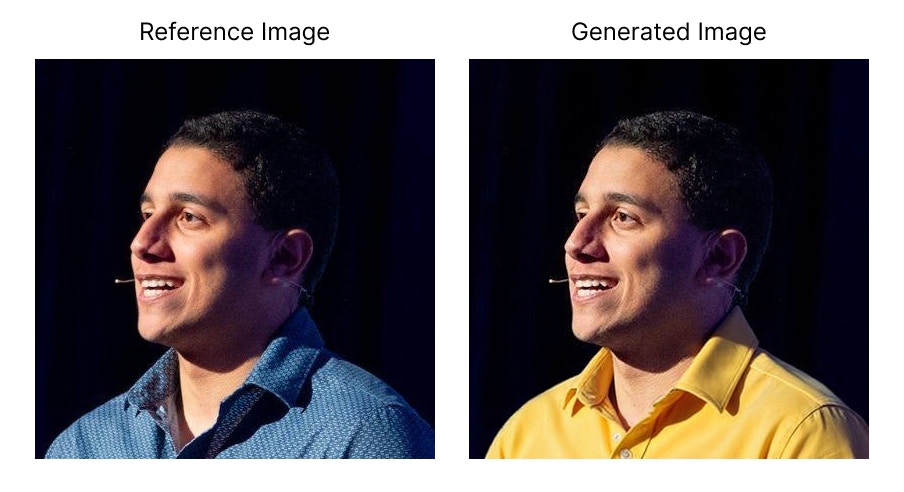
- FLUX.1-kontext-pro: Best balance of speed and quality.
- FLUX.1-kontext-max: Maximum image quality.
model:black-forest-labs/FLUX.1-kontext-proorblack-forest-labs/FLUX.1-kontext-max.prompt: Text description of the transformation you want to apply.image_url: URL of the reference image to transform.aspect_ratio: Output aspect ratio (e.g., “1:1”, “16:9”, “9:16”, “4:3”, “3:2”). Alternatively, you can usewidthandheightfor precise pixel dimensions.steps: Number of diffusion steps (default: 28, higher values may improve quality).seed: Random seed for reproducible results.
JSON structured prompts
FLUX.2 is trained to understand structured JSON prompts, giving you precise control over subjects, composition, lighting, and camera settings. Basic JSON prompt structure
Camera angle options
Hex color code prompting
FLUX.2 supports precise color control using HEX codes. Include the keyword “color” or “hex” followed by the code: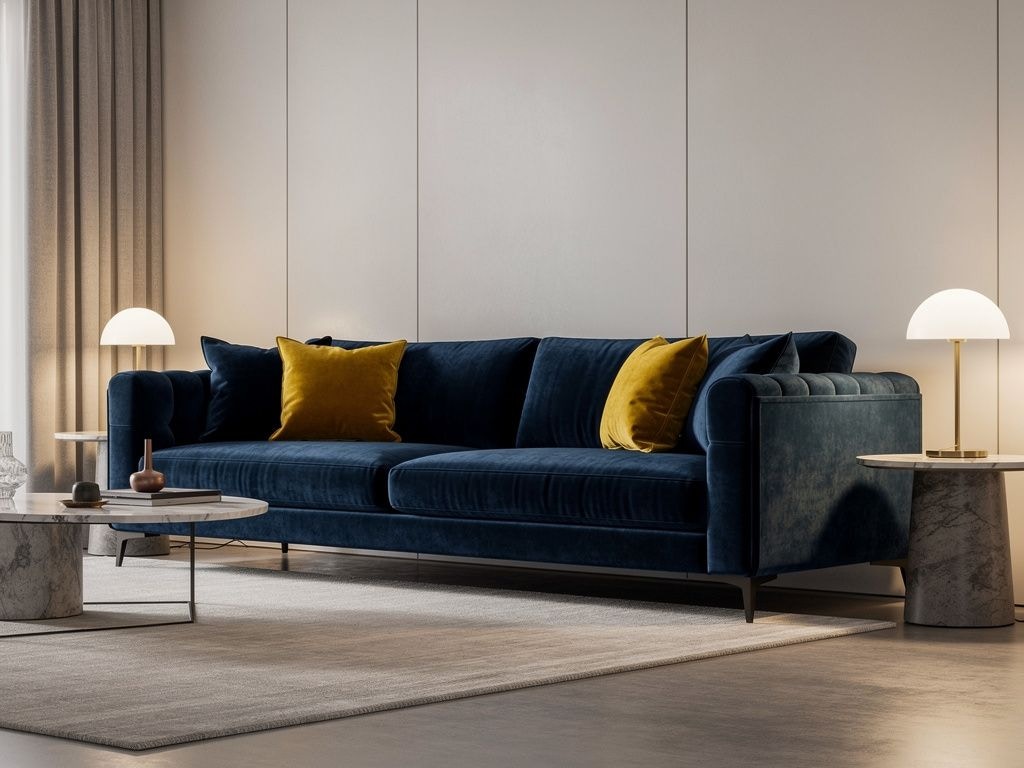
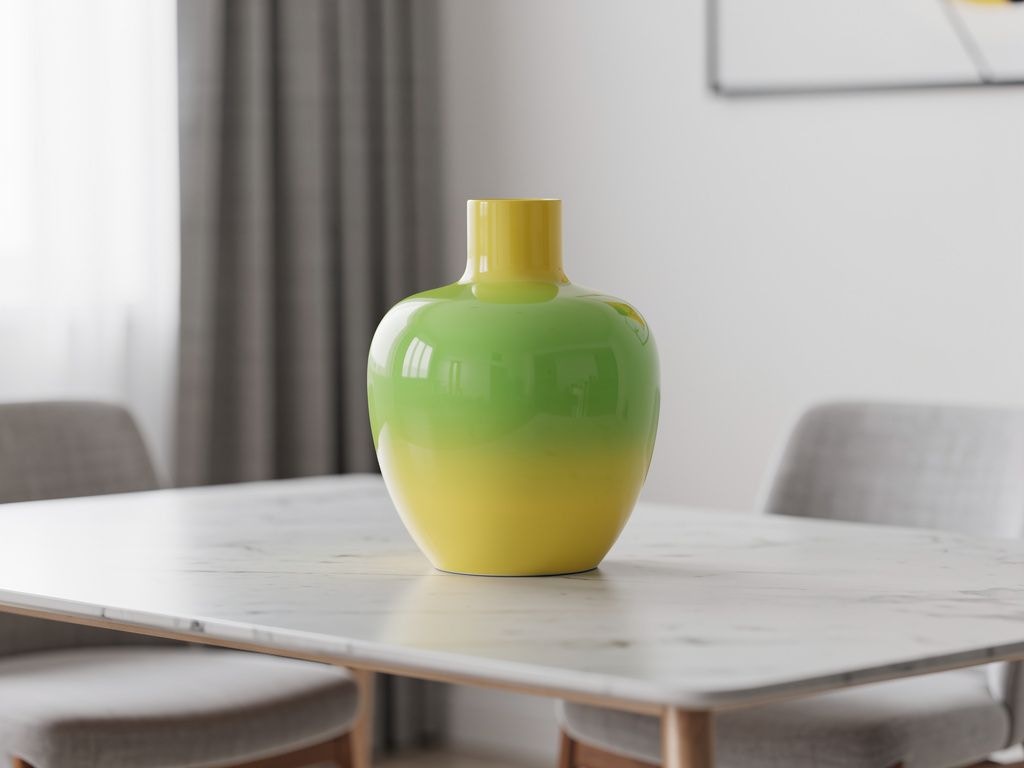
Advanced use cases
Infographics FLUX.2 can create complex, visually appealing infographics. Specify all data and content explicitly: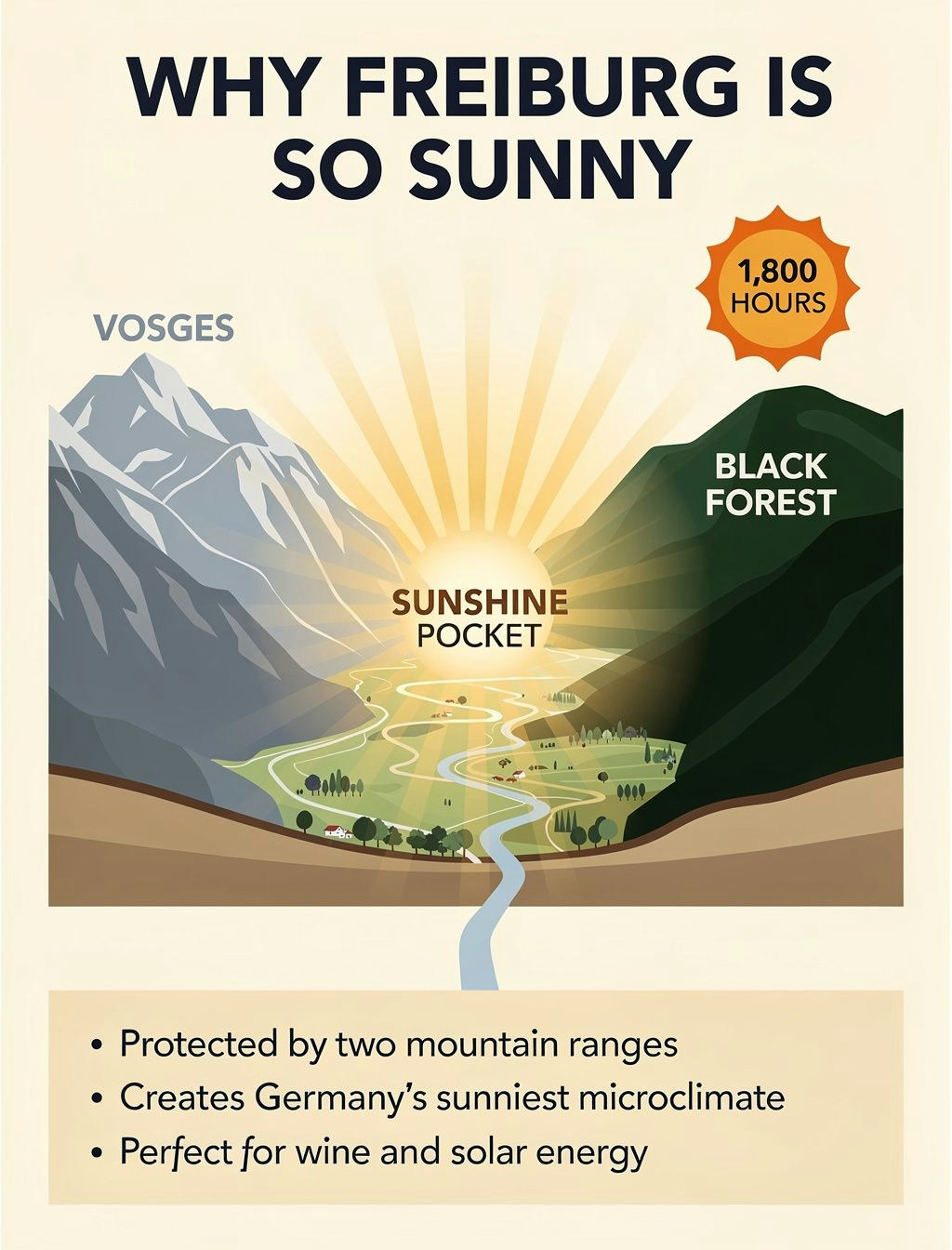

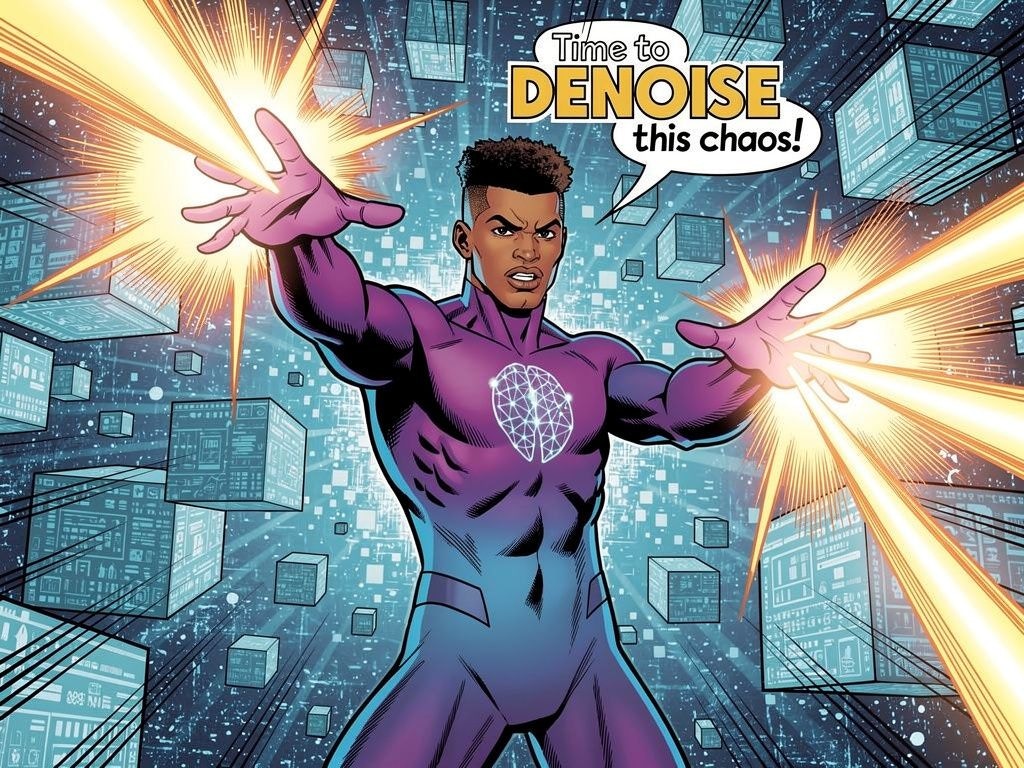

Photography styles
FLUX.2 excels at various photography aesthetics. Add style keywords to your prompts:
Multi-language support
FLUX.2 supports prompting in many languages without translation: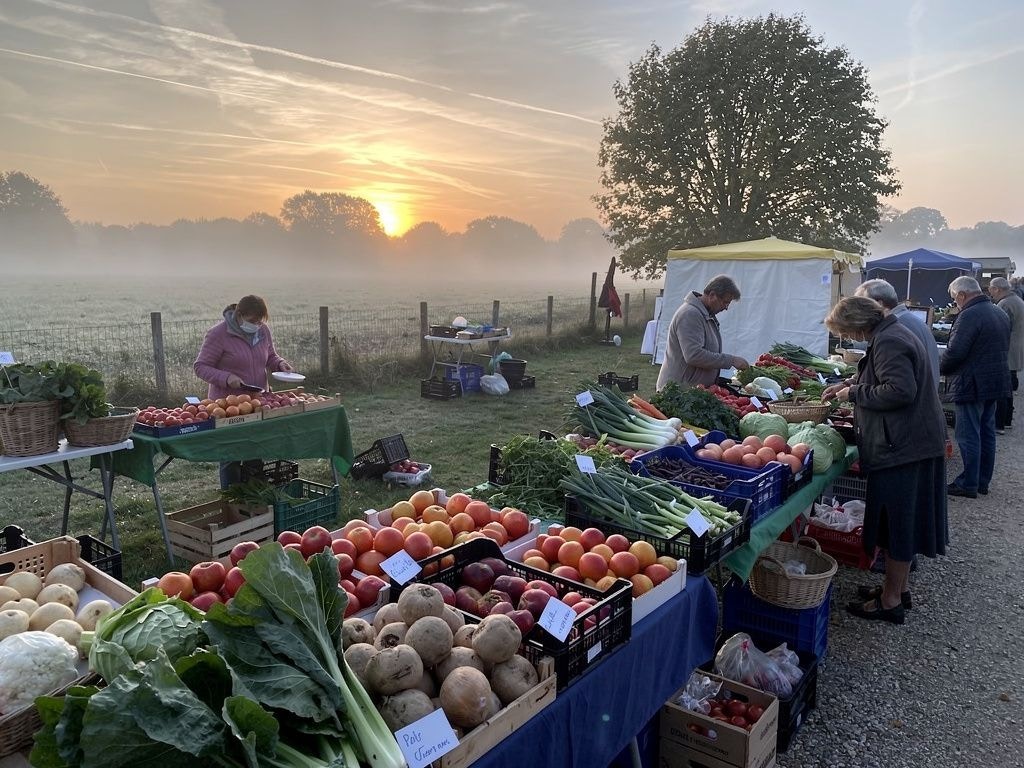
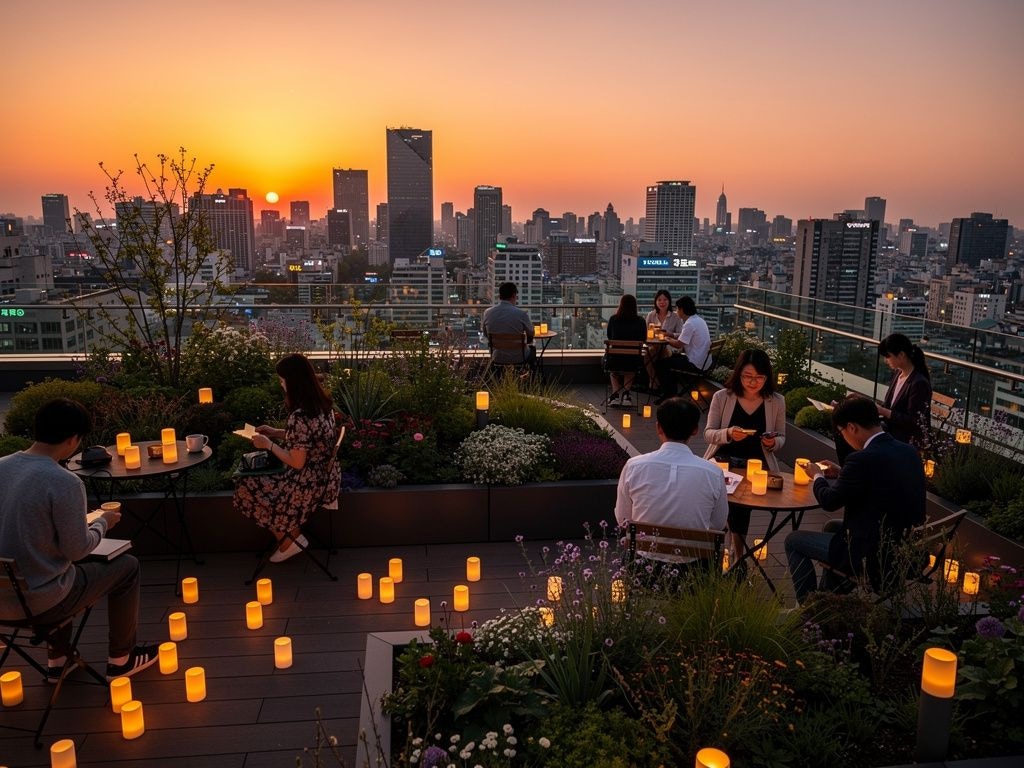
Prompting best practices
Golden rules- Order by importance: List the most important elements first in your prompt.
- Be specific: The more detailed, the more controlled the output.
- Subject: The main focus (person, object, character).
- Action: What the subject is doing or their pose.
- Style: Artistic approach, medium, or aesthetic.
- Context: Setting, lighting, time, mood.
Troubleshooting
Text not rendering correctly- Use FLUX.2 [flex] for better typography.
- Put exact text in quotes within the prompt.
- Keep text short and clear.
- Use HEX codes with “color” or “hex” keyword.
- Be explicit about which element should have which color.
- Use JSON structured prompts for precise control.
- Specify camera angle, distance, and composition type.
- Use position descriptors (foreground, midground, background).